One mouse button, a different job in each app: app-specific buttons without Options+ or G HUB
Logitech's Options+ calls it app-specific settings: the same button does one thing in your browser and another in Excel. Here's how to get that on any mouse.
Symptoms
- You want a side button to do something different in the browser than in other apps.
- Your mouse's app has app-specific settings, but only for its own brand or newer models.
- A shortcut that's handy in one program gets in the way in a game.
Why it happens
Windows itself has no per-app button settings: a side button sends the same "back" or "forward" everywhere. Brand apps add it for their own devices; Logitech's Options+ has app-specific settings on supported mice such as the MX Master 4 and MX Anywhere 3S, with ready profiles for browsers and Office apps (Logitech's own setup pages).
Free options
- If you have a supported Logitech mouse, Options+'s app-specific settings do this for free.
- The free X-Mouse Button Control has per-application profiles too (Windows).
- Many programs let you change their own shortcuts; sometimes changing the shortcut in the program is enough, not the button.
The fix with HEJİR
- Download and install HEJİR (free).
- Open Macros › Templates and add "One button, two jobs" (Pro; 3 days free, no card).
- Out of the box, the forward button reopens the last closed tab in a browser (Ctrl+Shift+T) and opens the clipboard history everywhere else (Win+V).
- Change the program names and keys in the template's few lines to fit your programs, then try it with the dry run, which presses nothing.
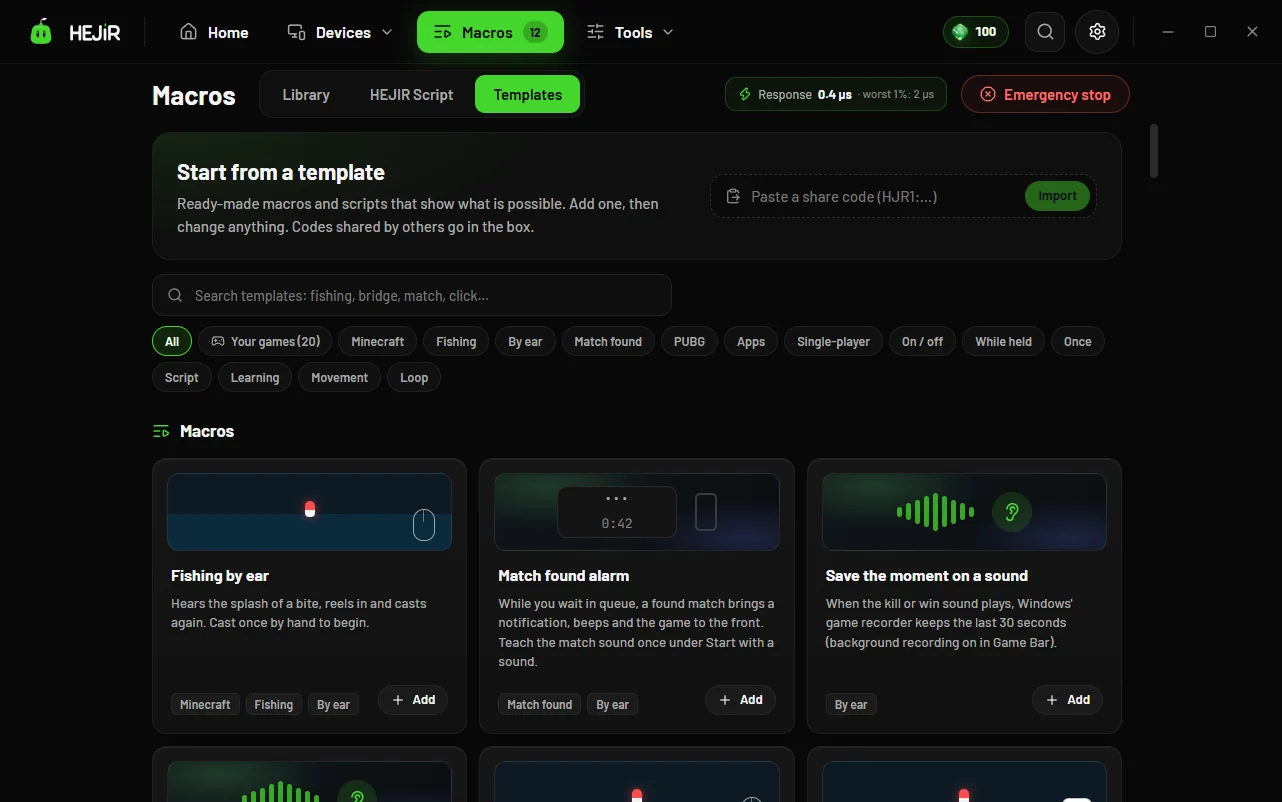
The template is a short HEJİR Script: it takes the forward button for itself, checks which program's window is in front when you press it, and sends that program's key. It works with any mouse Windows sees.
Good to know
- Per-app jobs need HEJİR Script, which is Pro; the free version's 3 simple assignments work the same in every program.
- The template is written for the forward button; for another button, change the button number in it (4 is back, 5 is forward).
- Options+ settings don't move in; you set the jobs once in HEJİR.
FAQ
Do I need to know how to code?
No. The template is ready; to change which program or which key, you change a name and a key where the template's comments point.
Can the keyboard do this too?
Yes: the Keyboard page's profiles can switch by program.
Does it work on Mac?
No, HEJİR is for Windows.